Once you're in the XRP/RLUSD pool, open Pools and click the My Positions tab to see your position.
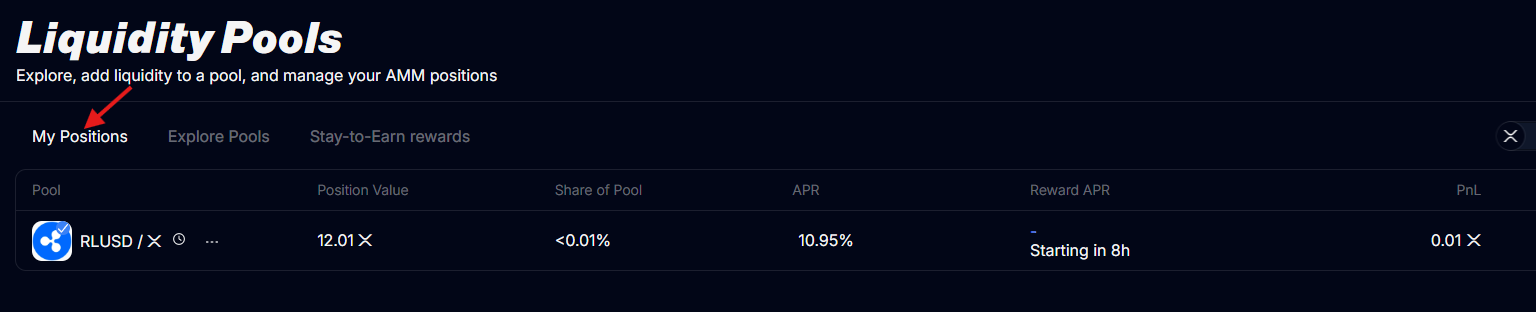
For each pool you're in, you can see the value of your position, your share of the pool, the pool's current APR, your Stay to Earn reward APR, and your PnL.
Withdrawing
Withdrawing works the same way as depositing, and you can do it at any time:
- On My Positions, click the ⋯ menu next to the pool and choose Remove liquidity.
- Choose double-sided (get both tokens back) or single-sided (get just one).
- Confirm, and the tokens go straight back to your wallet.