Telegram has changed its rules so that self-custody mini apps that don't use the TON blockchain will be shut down. If your wallet lives in the First Ledger Telegram mini app, move it into your web browser so you keep access to it. It takes a couple of minutes, and your funds never move: you're just opening the same wallet somewhere else.
Move your wallet out of Telegram
- In Telegram, open the First Ledger bot, send /start, and open your wallet.
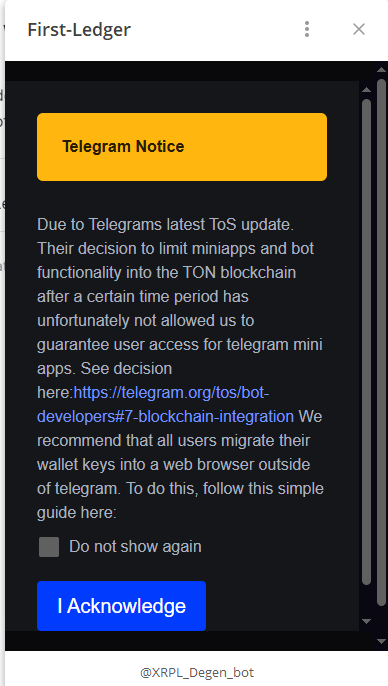
- A notice explains the Telegram change. Click I Acknowledge.
- On the wallet screen, click Reveal private key and copy the key. Keep it private: anyone with this key can take your funds, and First Ledger will never ask you for it.
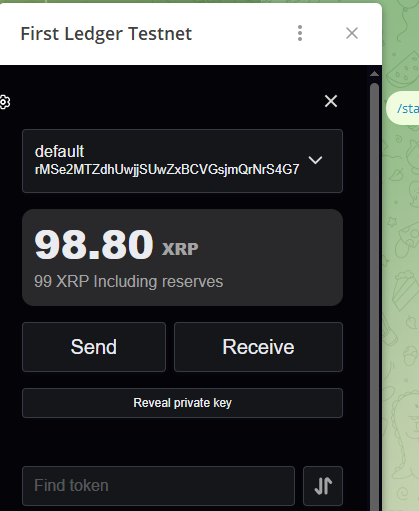
- In your web browser, go to firstledger.net and click Connect. Sign in with Telegram, Google or X.
- When you reach My wallets, click Import an existing wallet →, choose Private Key as the import method, paste your key and click Confirm.
Your wallet, with the same address and balance, is now in your browser. See Importing a wallet for more on the import screen.